One note that stays with the work
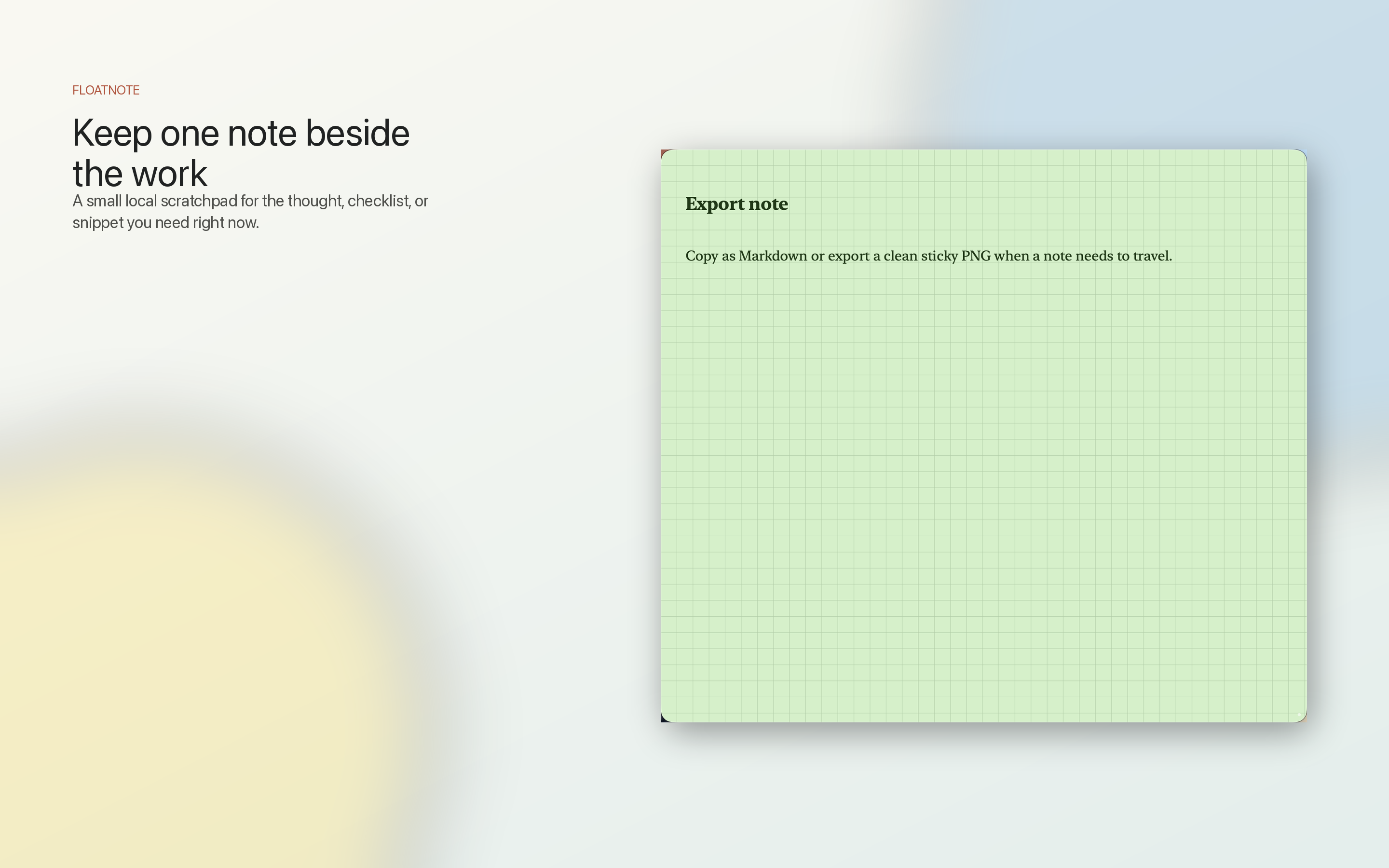
Keep a calm note window beside your current task. Fold it, pin it, make it translucent, or hide it when you are done.
A beautiful local note that floats beside your work.
Capture the thought, checklist, or snippet you need right now without opening a full notebook app. Floatnotes stays light, local, and keyboard-friendly.

Floatnotes is $4.99 once on the Mac App Store. No subscription.
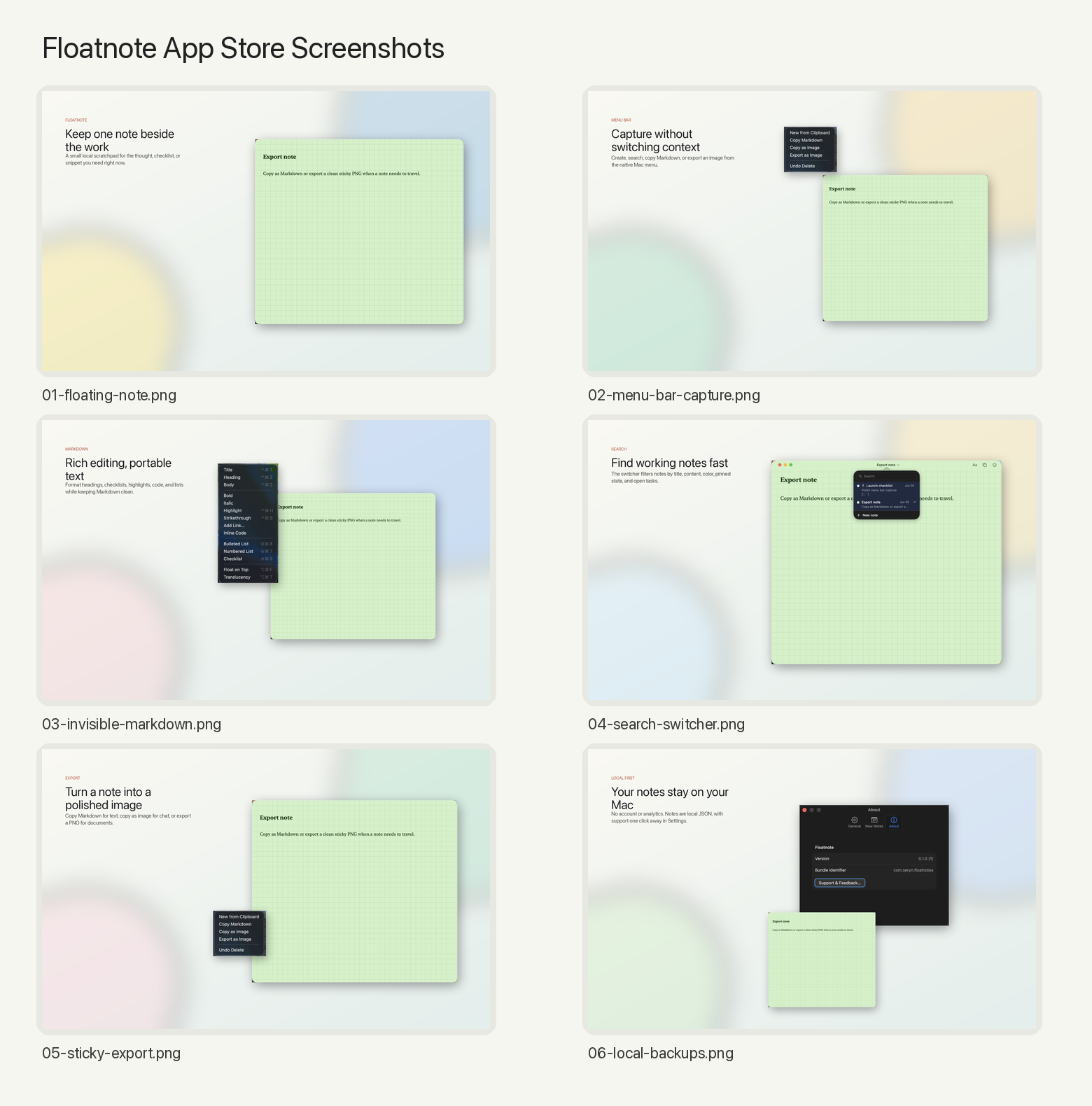
Floatnotes is for the small working notes that are easy to lose and too useful to bury. It is not a knowledge base, team workspace, cloud notebook, or subscription sync service.
Keep a calm note window beside your current task. Fold it, pin it, make it translucent, or hide it when you are done.
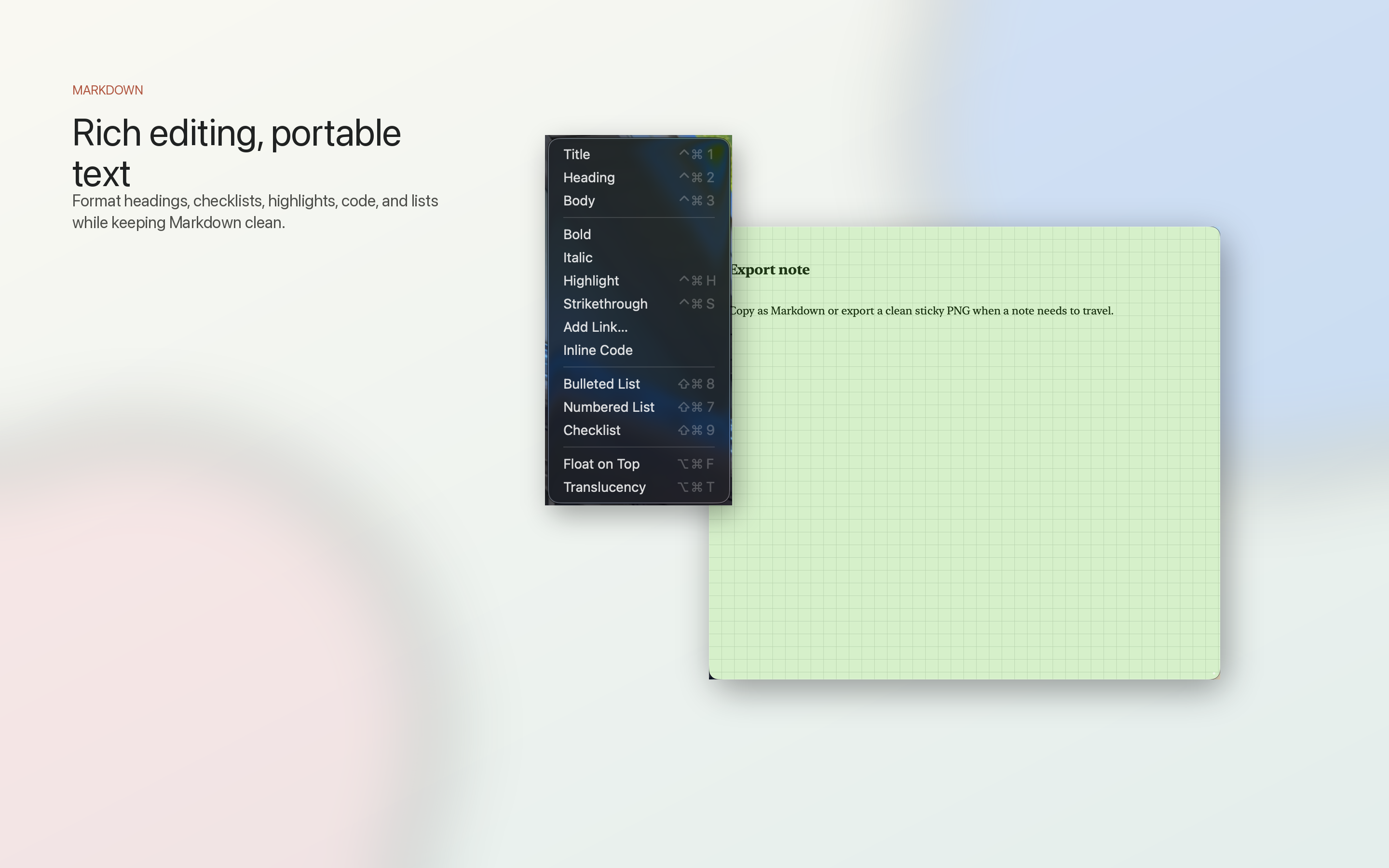
Use headings, links, highlights, inline code, bullets, numbered lists, and checklists while keeping Markdown ready to copy out.
Create notes from the menu bar, use Option-J while Floatnotes is active, or capture clipboard text from the Capture menu.
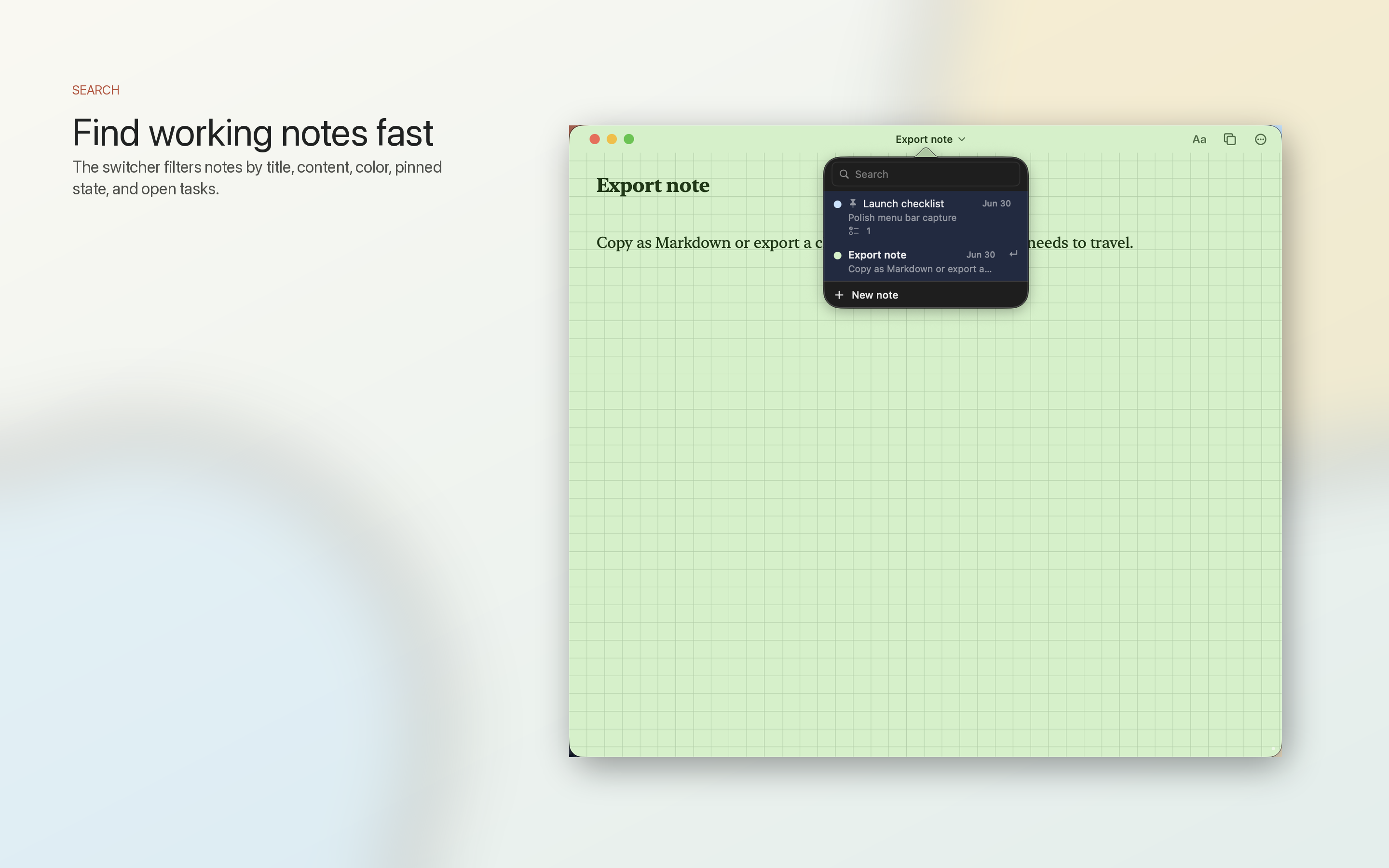
Search by title or body, filter by pinned notes, color tags, and open tasks, then jump back to the note you need.
Copy Markdown, copy a note as a PNG, or export a polished sticky image.
Notes stay on your Mac as JSON in Application Support, with automatic backups kept beside the store.
Floatnotes is $4.99 once on the Mac App Store. No subscription.
It stores notes locally at ~/Library/Application Support/DetachedNotes/notes.json with automatic backups in DetachedNotes/Backups/.
There is no account, sync service, advertising SDK, production analytics, or tracking service in the current app build.